

April 27, 2026
Vue Storefront 1 autologin implementation
The 3D Secure (3DS) flow is one of the most bug-prone aspects of implementing a payment method. It seems easy (after all, the bank does the heavy lifting) but it can cause serious issues within an application’s checkout process. Lost orders, price mismatches, orders pending forever. Sound familiar?
In This Article:
How 3D Secure works in a nutshell
3DS is the process in which a bank verifies the customer’s identity before allowing them to proceed with the payment.
⚠️ Please note that we are talking about authentication, not payment authorization (in this post, I’m going to assume the reader has a clear understanding of what an authentication process works. If you don’t know or don’t remember, please read this other post).
The flow goes roughly like this:
- The user types their credit card details.
- The merchant or the payment client sends a request to the bank.
- The bank performs a risk assessment (based on the amount, the recipient and other parameters) and can respond in two ways: Frictionless (authentication approved) or Challenge (the customer must prove their identity via two-factor authentication).
- The bank returns the authentication result with a cryptographic proof.
- The merchant send the real authorization request to the bank.
- The bank approves or rejects.
The problem
What should we do while the user is authenticating?
The problem is the gap between the payment request and the actual payment, which can take several minutes
The most important decision to make is whether the order should already exist during this interval (with the risk that the payment is abandoned or fails, leaving a “pending” order) or whether the order should be placed only after authorization (then you have to make sure the data doesn’t get out of sync).
Below are the 3 main strategies for addressing this problem, along with their trade-offs. Most of the time, a mix of these strategies is necessary to cover all cases.
1. Webhook
Once the payment has been successfully processed, the payment provider sends a server-to-server notification to the merchant, who then converts the shopping cart into an order.
This is most reliable because the order does not depend on the user’s actions in their browser, but it has a major problem: the order does not exist at the time of payment.
On most e-commerce platforms, like Magento, the quote is both the user’s shopping cart and the source of the order.
By default, it can be modified at any time before becoming an order.
The risk is that the amounts may differ between the time of payment and the time the order is placed.
Furthermore, if the webhook call fails, you can end up with a payment that isn’t linked to any order.
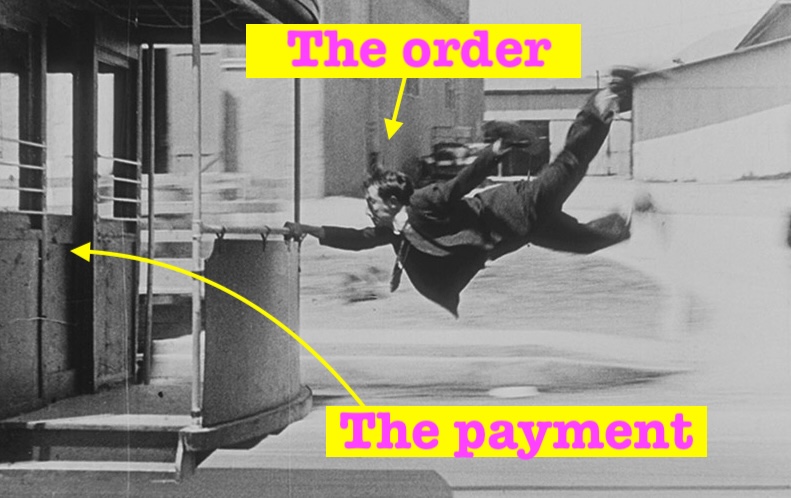 Buster Keaton short movie 1922
We need to find a way to “freeze” the cart (which is doable) but it must then be unlocked at the time of payment (in Magento, it’s actually impossible to turn a deactivated cart into an order). Furthermore, if the payment is not completed, the cart stays locked, and a decision must be made on how to handle it.
2. Create the order before payment
This is by far the safest method and the one I recommend to my clients as the first choice.
When the user proceeds to payment, the platform creates an order with a “pending” status. The order is confirmed only after bank authorization.
However, many merchants don’t like this strategy because it results in a large number of unpaid orders.
3. Separate authorization and capture
After authentication, the payment is only authorized. Then the order is created, and after that the actual amount is actually charged.
Honestly, I do not recommend this method because it does not eliminate discrepancies. It just ensures that the customer does not pay in the case of discrepancies.
The cron job that tidies everything up
Rather than a full-fledged strategy, this is a way to fix the problems of the previous strategies.
If the order is placed or updated via webhook, the cron job searches for successful payments with no order associated (as the payment provider typically sends an event following authorization) and proceeds to create the orders. If the order is created prior to payment, it searches for pending orders without payment and sets them as canceled (or another status depending on the platform).